


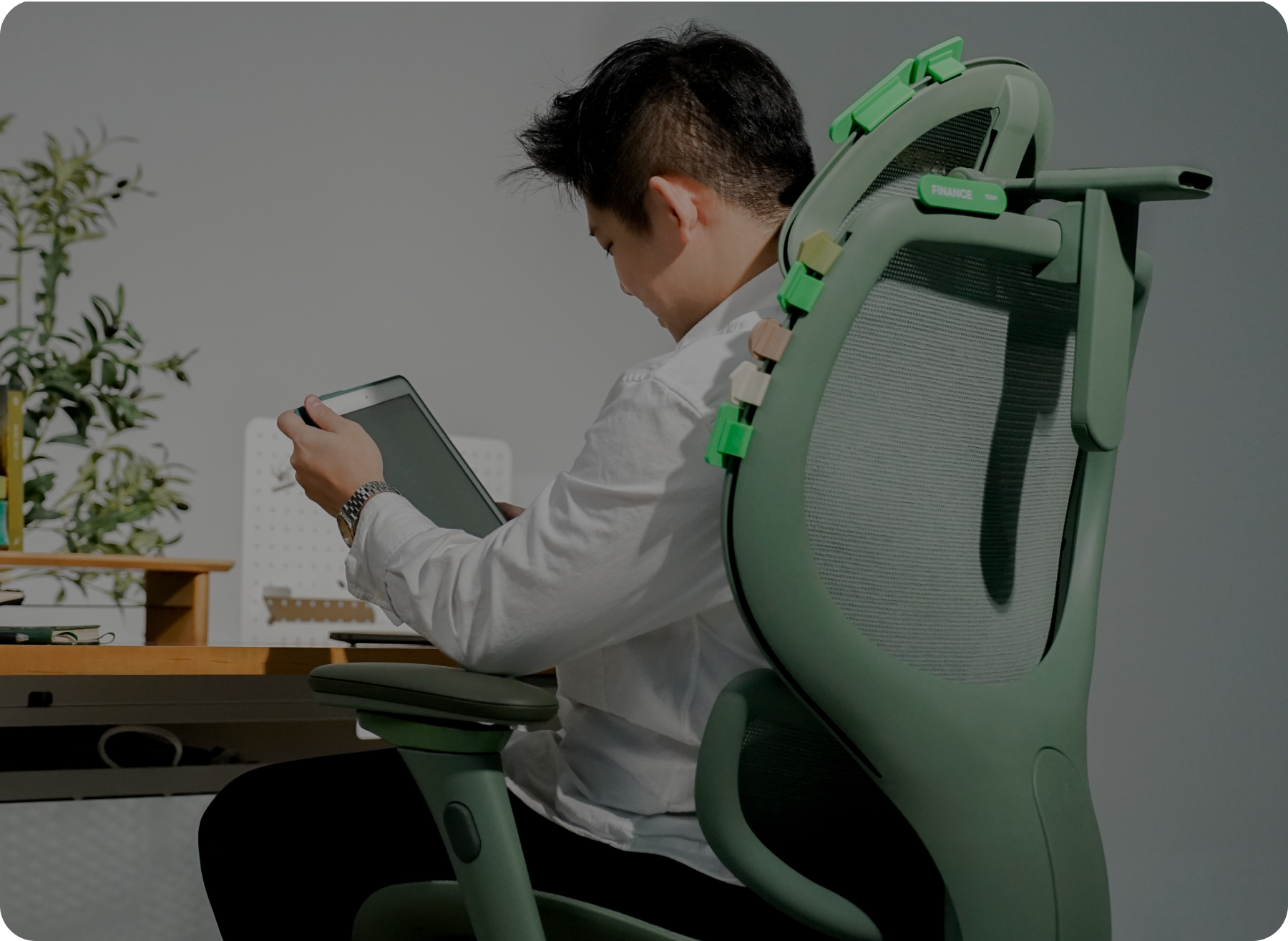



Your neck isn’t ‘just sore’, it’s overloaded. If you’re working from home and noticing tight shoulders, headaches, or that constant pull at the base of your skull, it’s rarely just a posture issue. More often, it’s your setup asking your body to carry more load than it should, for longer than it can comfortably manage.
The term ‘tech neck’ is trending for a reason. It’s not just a buzzword. It’s what happens when your work setup asks your neck to do more than it should. That’s where the problem starts. And it’s also where the fix begins.
Once you understand how that load builds across the day, it becomes much easier to see why your chair plays such a big role in how your neck feels by the afternoon.
Tech neck is a load problem, not just posture. As your head shifts forward, even slightly, the pressure on your neck increases fast. Over the course of a workday, that repeated strain builds into tight shoulders, fatigue and the kind of discomfort you’ll definitely notice by mid-afternoon.
Most chairs don’t fix this. In many cases, they make it worse by:
- Positioning your head too far forward
- Leaving your arms unsupported so your shoulders carry the load
- Holding your body in positions that are difficult to maintain for long periods
Fixing tech neck is all about reducing that load, rather than asking your muscles to manage it:
- A headrest that comes forward to support the base of your skull
- Armrests that allow your shoulders to fully relax
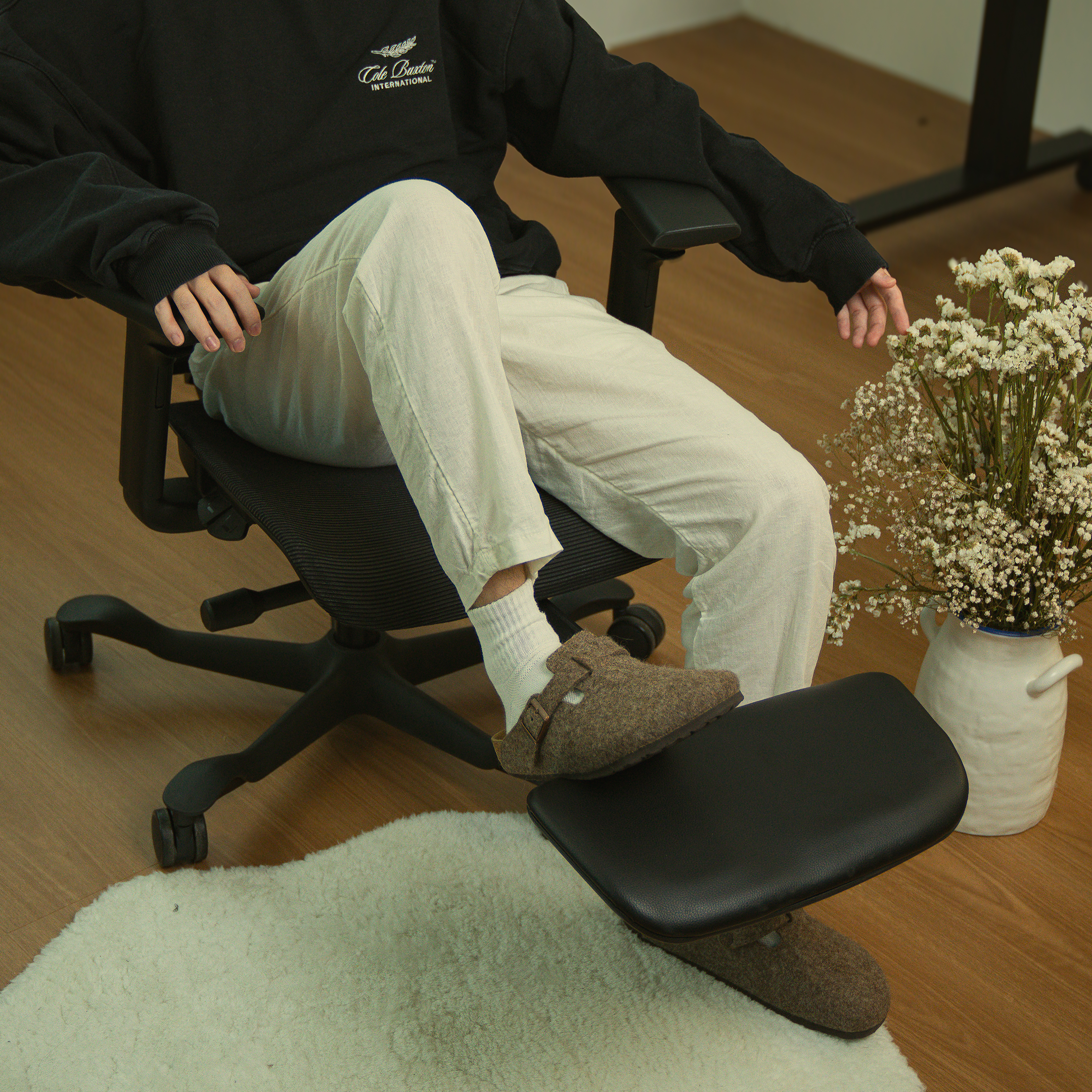
- A chair that supports movement instead of locking you into one position
You don’t need the most expensive chair on the market. You need one that adapts to your body and supports your neck as you work, shift, and reset across the day.
What is tech neck?
‘Tech neck’ is what happens when that forward head position becomes your default. It’s also commonly known as ‘text neck’ and 'forward head posture'.
Your head weighs around 4.5 to 5kg when it’s stacked properly over your spine. The moment it moves forward, even slightly, that weight increases quickly. According to research by spinal surgeon Dr. Kenneth Hansraj, a 45-degree tilt places around 22kg of load on the cervical spine. At 60 degrees, which many people reach during a focused work session, the load climbs to roughly 27kg.
That’s not posture, that’s physics. Your cervical spine has a natural C-curve that helps distribute load and absorb movement. When your head sits forward for hours at a time, that curve begins to flatten, and your surrounding muscles take over. That’s where the ache starts. Not from one bad moment, but from repetition across days, weeks, and months.
For a broader look at how sitting affects the body overall, take a look at our article on ‘What your chair is doing to your body’. It’s not just your neck or back at risk.
The 30-Second Neck Tension Check
Before blaming your chair, it’s worth checking what your body is actually doing.
Try this:
1. Ear-To-Shoulder Alignment
Sit naturally and take a side-on photo. Are your ears stacked over your shoulders, or sitting forward?
2. The Trap Test
Reach up and squeeze the top of your shoulders. Do they feel soft and relaxed? Or tight and switched on even at rest?
3. The Vision Gap
Close your eyes, relax your neck, then open them. Where are you looking? If your screen isn’t there, your neck is doing the work to find it.
Most people fail at least one of these. Not because they’re doing anything wrong, but because their setup is asking their body to compensate.
Why Your Neck Hurts Even When You Sit Up Straight
This is the part that surprises most people. You can sit upright with good posture and still end up in pain by mid-afternoon. The reason is simple. Your muscles aren’t designed to hold tension all day.
This is known as static loading. When your neck and upper trapezius muscles stay switched on for long periods, blood flow reduces and fatigue builds. Over time, that creates the tight, burning feeling many people notice partway through the day.
Research into sedentary work shows that prolonged static postures contribute to musculoskeletal discomfort even when posture appears correct.
That’s why you can start the day feeling fine and finish it leaning into your screen. Your body is trying to cope. Without proper support, it eventually gives in.
Why Your Armrests Are Actually ‘Neck-Rests’
No, not a typo! This is actually one of the most overlooked causes of neck pain.
Your arms make up roughly 10% of your body weight. If they’re not supported properly, that weight hangs off your shoulders all day, and your neck muscles carry the load.
If your armrests are too low, too wide, or don’t move inward, your elbows drift out. Your shoulders follow. Your traps switch on to hold everything in place. That tension travels straight into your neck.
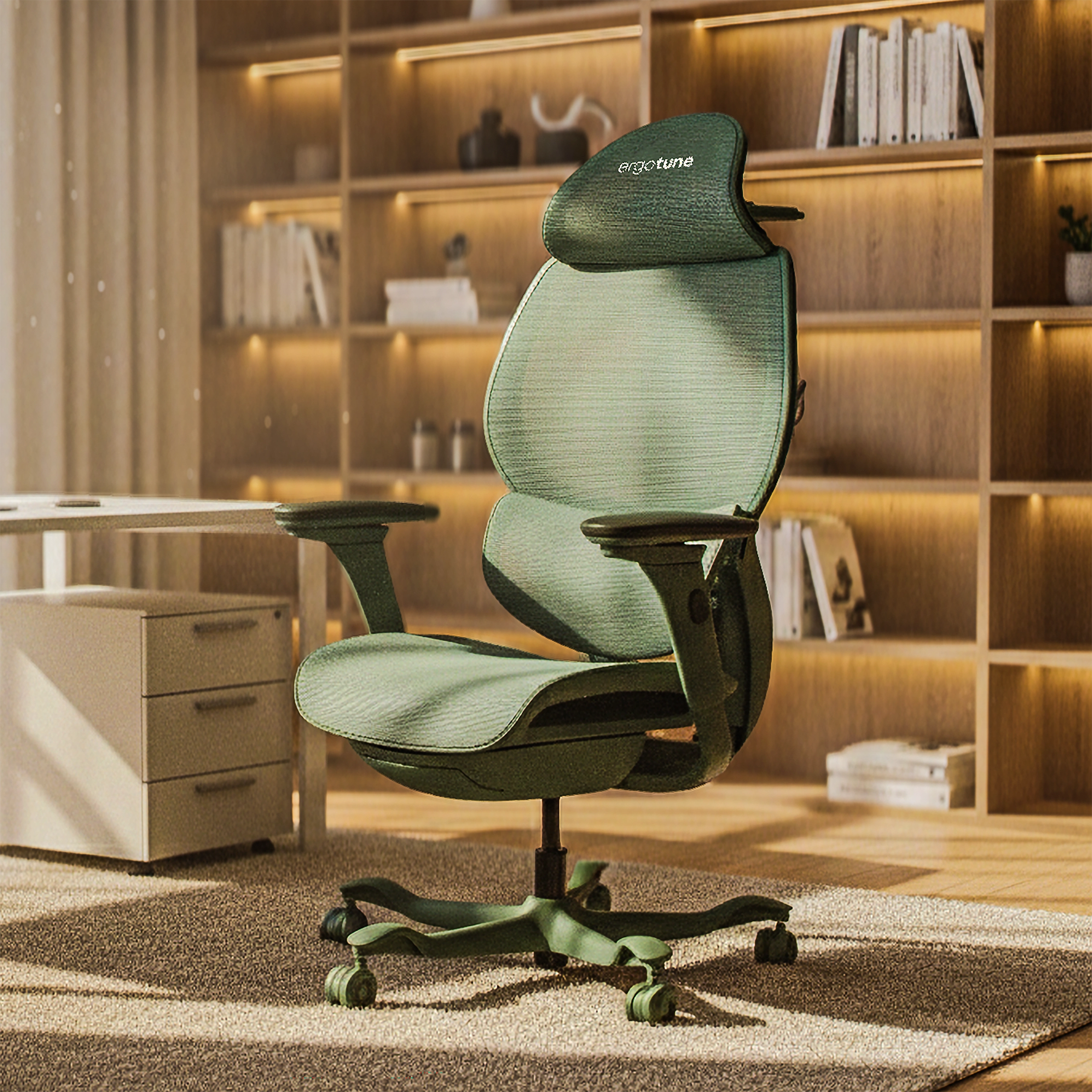
This is where the ergotune Vesby changes the equation. Its 4D armrests don’t just move up and down. They adjust inward, forward, and angle to match your natural arm position.

That allows your elbows to rest closer to your body, transferring the weight of your arms from your neck to the chair’s frame. It’s a small adjustment, but the difference builds quickly across the day, especially for smaller frames where standard armrests often sit too wide.
The Role Of The Headrest: Support vs. Interference
Most headrests don’t actually help your neck. They get in the way. A standard headrest moves up and down, which sounds useful, but often ends up sitting behind the skull rather than supporting the base of it. The result is a forward push that reinforces the posture and causes the strain.
It can feel comfortable at first because something is touching your head, but it doesn’t reduce the load.
A proper headrest should meet the base of your skull, at the occipital ridge, and support the natural curve of your neck.
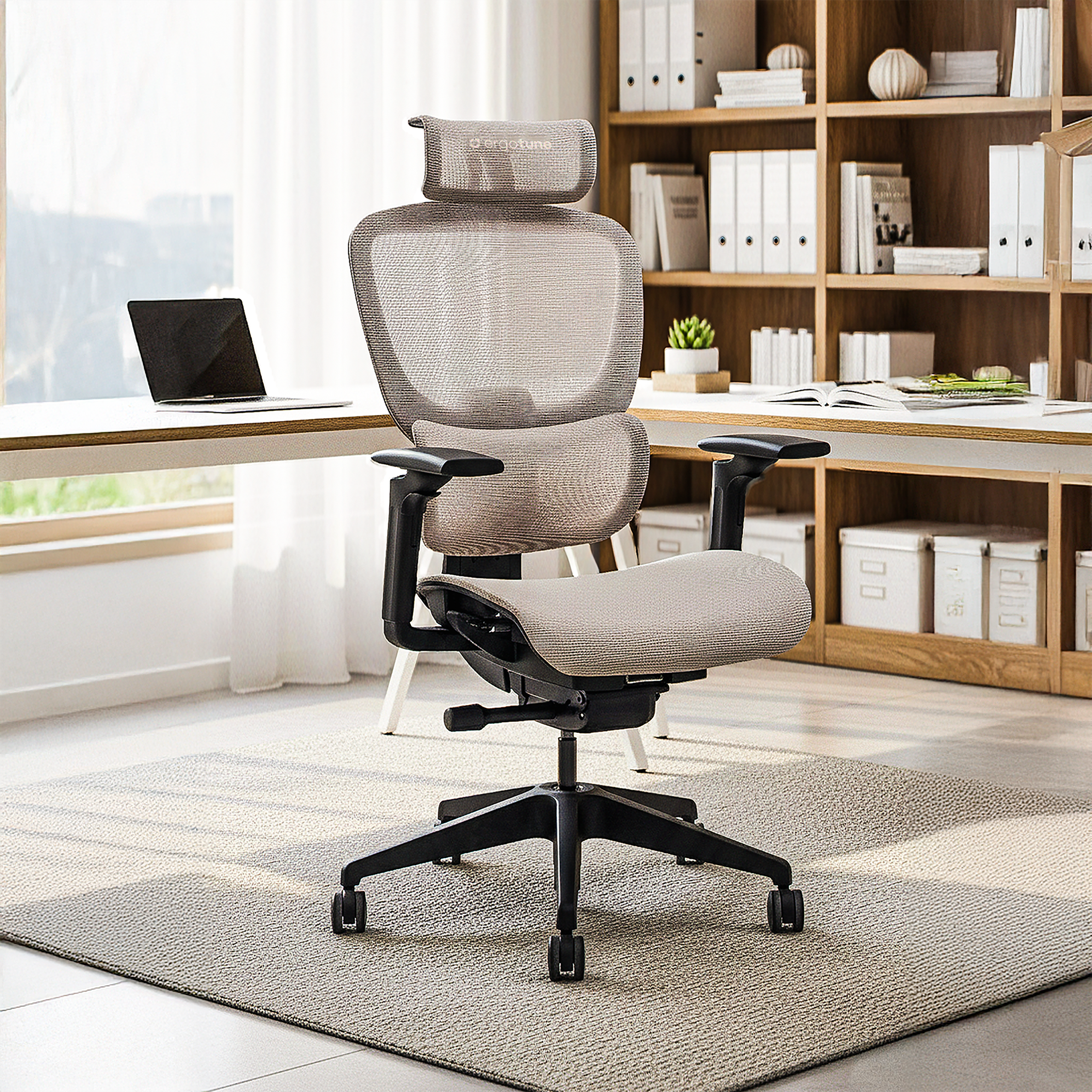
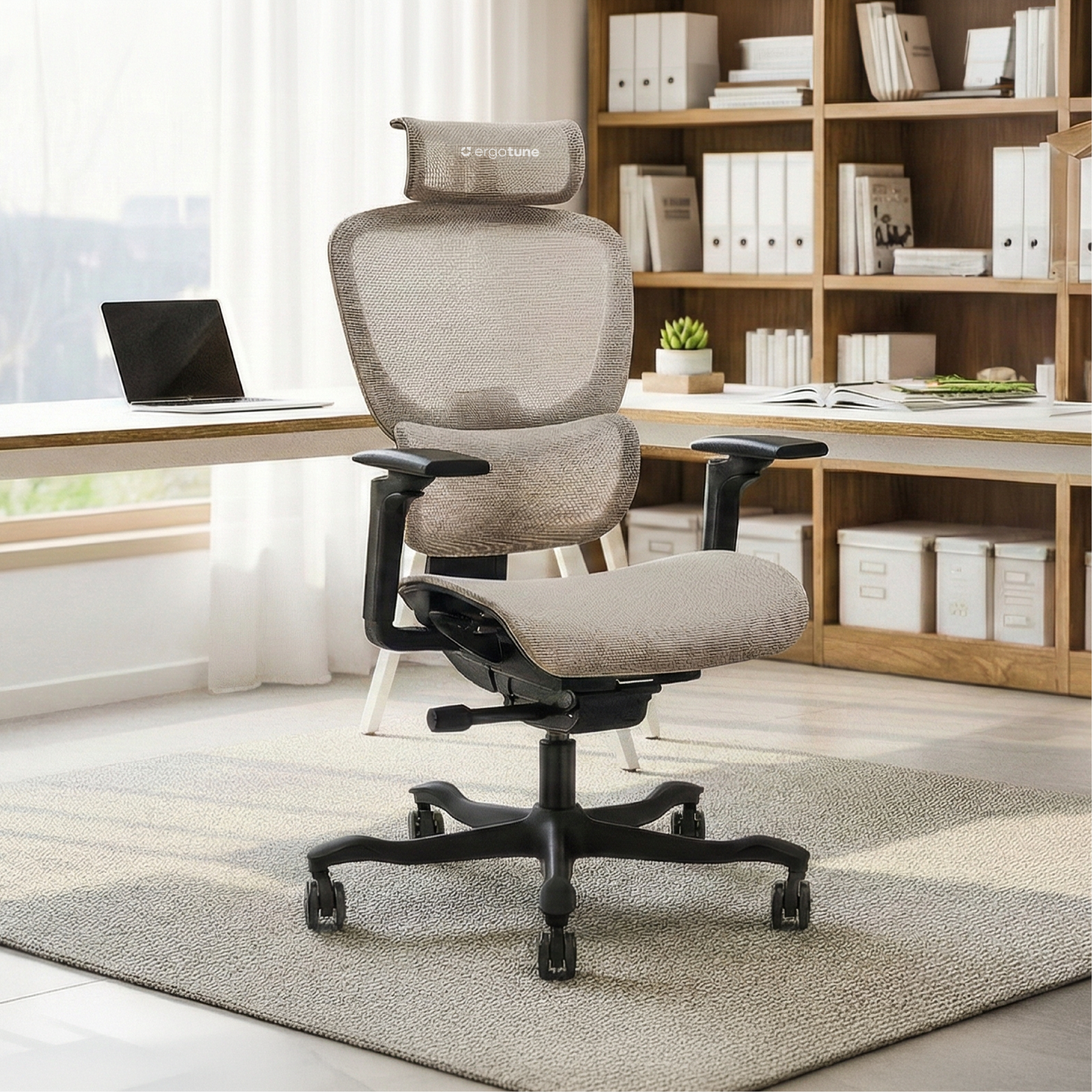
This is where the TriTune™ Pro Support Headrest on the ergotune Vesby, and the TriTune™ Enhanced Headrest on the ergotune Joobie stand out. They adjust for height, depth, and angle, allowing the support to come forward to your neck rather than forcing your neck to meet it.
That contact point acts as a stop-block, helping prevent your head from drifting forward as fatigue sets in.
When you recline, the SyncTilt™ mechanism on our Vesby keeps the headrest in contact with your neck so your muscles don’t suddenly take over. That’s the difference between resting your head and properly offloading it.
During the Vesby’s development, early user feedback highlighted this exact issue. Shorter users felt pushed forward, while taller users struggled to maintain contact. The response was structural, not cosmetic. Each issue was addressed through geometry and adjustability rather than surface-level changes. Read more about our Vesby journey here.
The Best Chair For Tech Neck
The biggest shift in ergonomic design is straightforward. Chairs are no longer built for stillness. They’re built for movement. Older designs assumed you would sit upright and stay there. Real workdays don’t look like that. We lean forward to focus, shift back to think, and adjust constantly without noticing.
A good chair moves with you instead of resisting those changes. Standards like ANSI/HFES 100 outline how workstations should support neutral posture across a range of positions, not just one fixed position.
Material choice matters too. Foam traps heat and pressure, which can lead to constant micro-adjustments as your body looks for relief. That often results in leaning forward and losing support without realising it.
Mesh construction stays more consistent throughout the day, which helps maintain contact without that gradual drift. If you’re weighing up different chair types, this comparison breaks down how gaming chairs stack up against ergonomic designs.
How To Fix Neck Pain While You Work
Even the best chair needs the right setup around it. Here's where to start:
Screen height
Your eyes should land around the top third of your monitor, not the centre, not the bottom. If you're looking downward to read, your monitor needs to come up regardless of chair height.
Distance
Keep your screen about an arm's length away. Any closer and you'll lean in without noticing.
Arm position
Adjust your armrests until your shoulders feel relaxed and slightly dropped. If it feels like you're holding your arms up, they're too low.
Head support
Bring your headrest forward until it lightly meets the base of your skull. It should feel supportive, not intrusive, and your neck should feel like it has somewhere to land.
These adjustments are small individually, but together they change how your entire upper body behaves across the day.
So, Do You Need A New Chair?
Not always. But if your current chair pushes your head forward, doesn't support your arms properly, or forces you to sit still to stay comfortable, it's working against you. That's when an upgrade starts to make sense.
You don't need to spend thousands. But you do need a chair that adapts to your body, not the other way around.

The ergotune Vesby was designed specifically around this problem, with a headrest that genuinely adjusts to your neck, armrests that tuck inward, and a recline system that keeps everything supported as you move through the day. It's built for long Australian workdays without the luxury brand price tag. If you're not ready to go straight to the Vesby, the ergotune Joobie is a genuine step up from a standard office chair and a solid place to start. And if you're curious how cheap chairs compare over time, the answer usually surprises people.
Either way, the goal is the same: a setup that reduces the load instead of asking your muscles to manage it.
Your Neck Has Been Patient Enough
Your neck pain isn't random. It's the result of small, repeated loads adding up over time, and in most cases, it's completely fixable. With the right support, the right setup, and a chair that works with your body rather than against it, you can take that pressure off and get back to focusing on your work instead of your discomfort.
No dramatic overhaul required. Just better support, where it counts.
Explore the ergotune Vesby.