

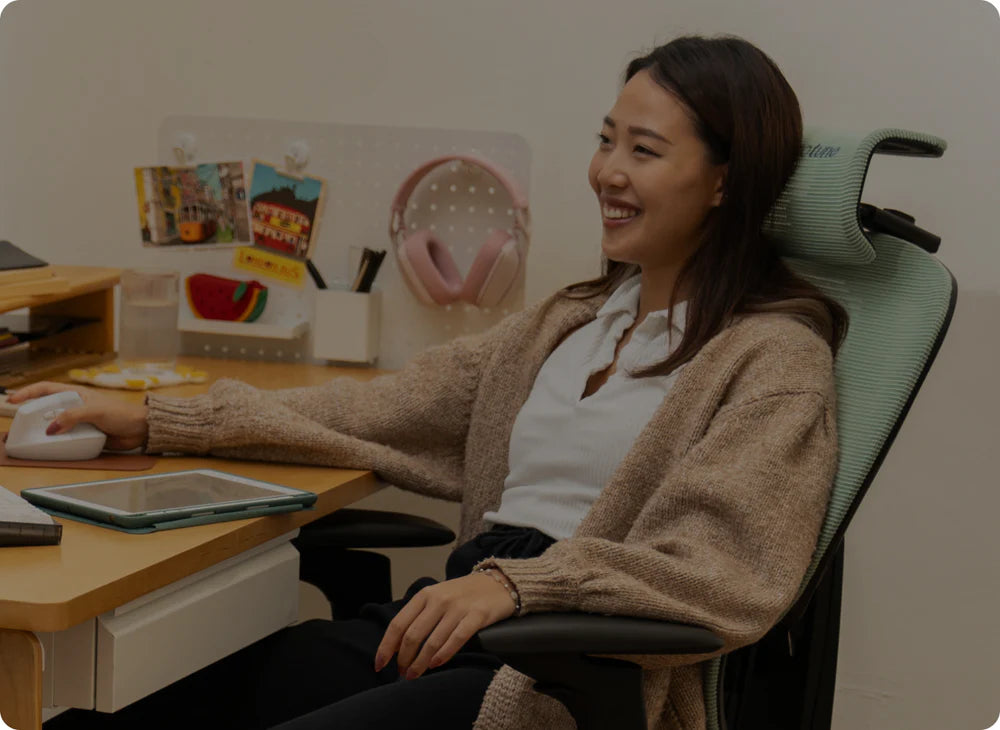

Hip pain at your desk rarely starts as actual pain. It starts as an itch to move – a shift in your seat, a leg crossed, a slow drift toward the front of the cushion. Sound familiar? You're probably doing it right now.
By mid-afternoon, something just feels off. By the end of the day, your hips are heavy, tight, or that specific kind of wrong that's hard to explain to anyone who wasn't sitting at a desk all day.
Yes, and it's more common than most people realise. Hip pain from sitting usually isn't about how long you've been at your desk, it's about what your chair has been doing to your body the whole time. Here's what's probably happening right now:
| The Problem | What's Going On |
|---|---|
| 90-degree hip angle | Increases joint compression and shortens hip flexors over time |
| Wrong seat depth | Pulls your pelvis backward, flattening your lower back |
| No lumbar support | Destabilises the pelvis, shifting load into the hip joint |
| Firm foam seat | Creates pressure points on the bones you're sitting on |
| Fixed sitting position | Cuts off circulation and locks muscles into one shortened state |
Why Sitting Causes Hip Pain (The Mechanics)
When you sit, your body settles into what's often called the 90-degree position – hips bent, knees bent, torso upright. It looks neutral. It isn't.
Hold that position for six or eight hours, and two things happen simultaneously: your hip flexors stay shortened while your glutes (the muscles designed to support your hips) are compressed into the seat and gradually stop contributing to stability. Research across biomechanics and musculoskeletal studies shows that prolonged sitting reduces muscle activity and shifts more load into the joints and surrounding structures, which is where discomfort starts to build.
That's the slow build behind end-of-day hip pain. It's not fatigue from moving – it's strain from staying still.
The 135-Degree Rule Nobody Told You About
Research from Waseem Bashir found that spinal and hip stress drops significantly when the sitting angle opens toward 135 degrees rather than staying at 90 degrees. That's not a minor tweak. It's a fundamentally different load pattern through your entire lower body.
Most standard chairs don't accommodate this. They're designed around a single upright position, which feels professional but behaves like a slow compression mechanism across a full workday.
Why That Tight Feeling Keeps Coming Back
The persistent tightness you feel after sitting isn't just residual tension. It's your body adapting to the shape it's been held in. Muscles and connective tissue shorten slightly over time, which is why the tension follows you when you stand up, and why stretching gives temporary relief but doesn't fix the underlying cause. The chair is the underlying cause. It's been there all along, sitting very comfortably while you weren't.
The 60-Second Check That Tells You What You Need To Know
Before adjusting anything, it helps to understand what your current setup is doing to you.
The two-finger gap test: Sit all the way back in your chair and check the space between the seat edge and the back of your knees. You should be able to fit two to three fingers comfortably. If there's no gap, your seat is too deep: it's pulling on your hamstrings and rotating your pelvis backward.
The knee-to-hip check: Look at your leg position. If your knees are level with or higher than your hips, you're in a compressed position. This is where the hip joint starts to get pinched over time.
The stand-up test: After an hour of sitting, stand up. If you need to slowly unfold, or your hips feel like they need a moment to find their position again, your chair has been holding you in a shortened state too long.
"Sit Up Straight" Is Part of the Problem
You've heard it your whole life. Sit up straight. Back flat. Shoulders back. Turns out, the message was wrong (Sorry Mum!).
The 90-degree L-shape keeps your hips in a closed position. There's no give, no movement, no variation in load. A slight recline or forward tilt allows your pelvis to settle into a more neutral position, reducing pressure at the front of the hip joint and distributing weight more evenly throughout your lower body.
There's also the screen-lean problem. When you push forward to read something closely, your lower back flattens, your pelvis rolls backward, and your hips close further. It's a subtle movement, but it compounds quickly across a full day, especially if your chair doesn't support you in a more open position to begin with.
Seat Depth: The Most Overlooked Cause of Hip Pain
If you only change one thing about your setup, seat depth is a strong contender for where to start.
When a seat is too long for your leg length, it presses into the back of your knees. Your natural response is to slide forward slightly to relieve that pressure. That small shift changes everything: your pelvis rolls backward, your lower back flattens, and your body starts holding tension just to remain upright. The slump builds gradually enough that you don't notice it until the discomfort is already established.
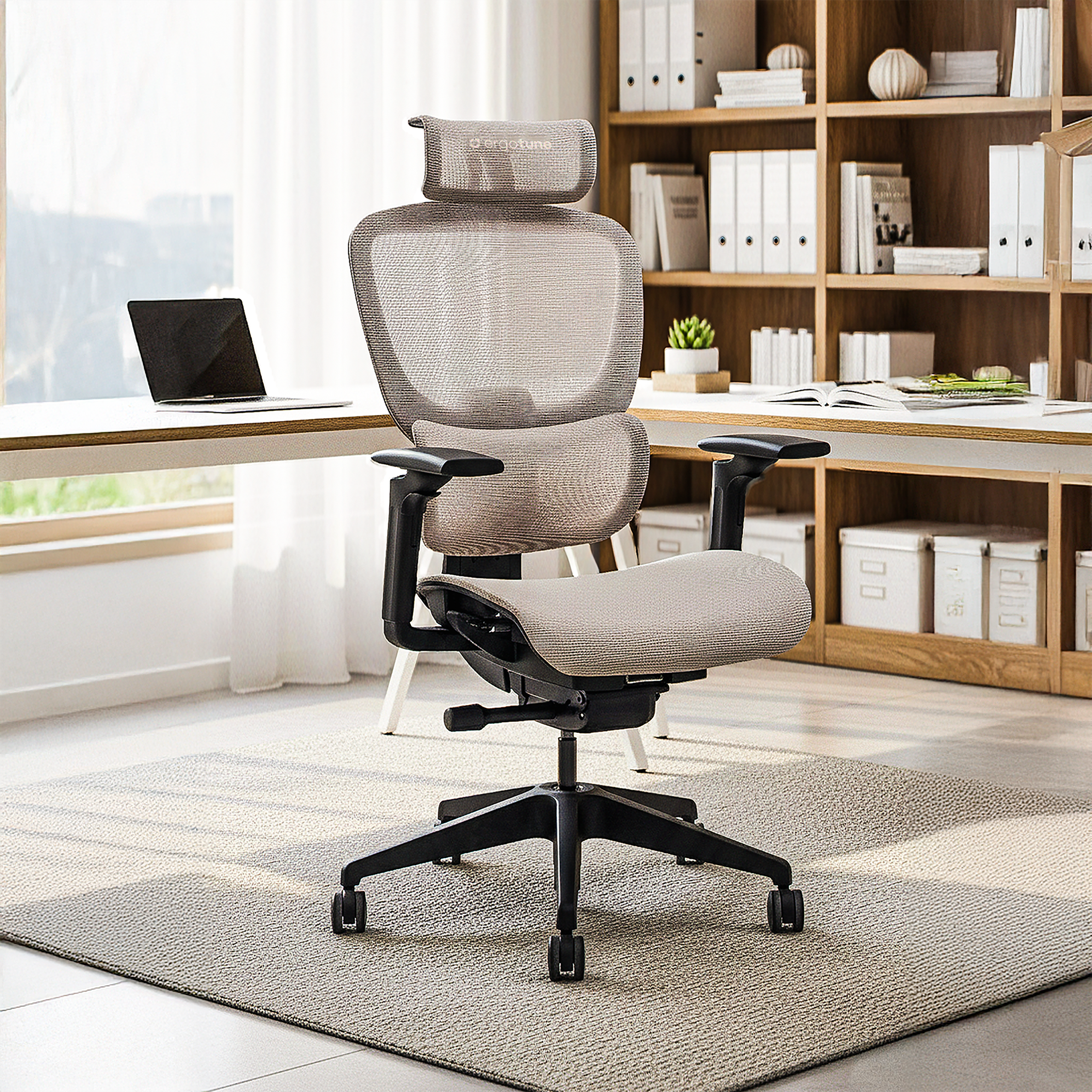
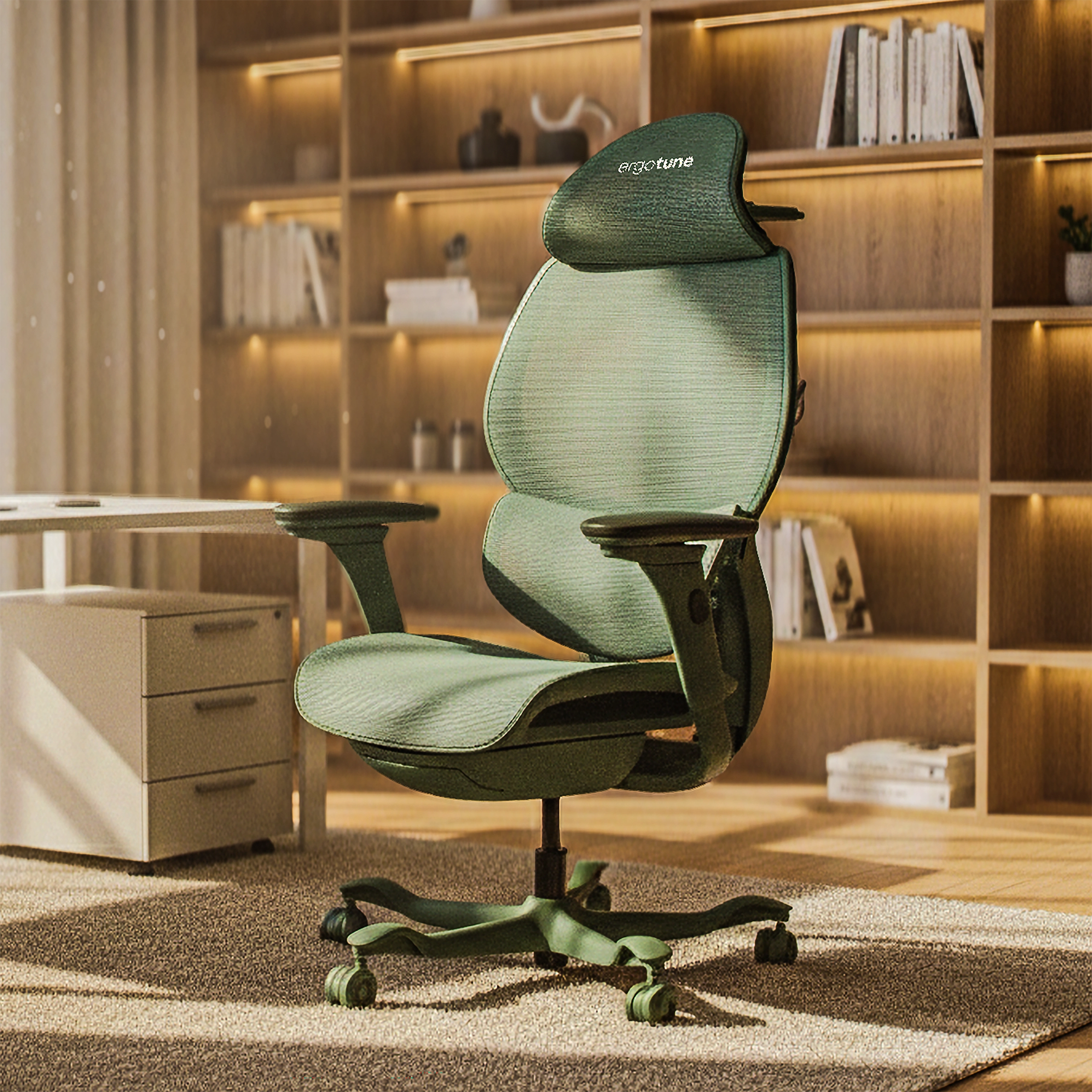
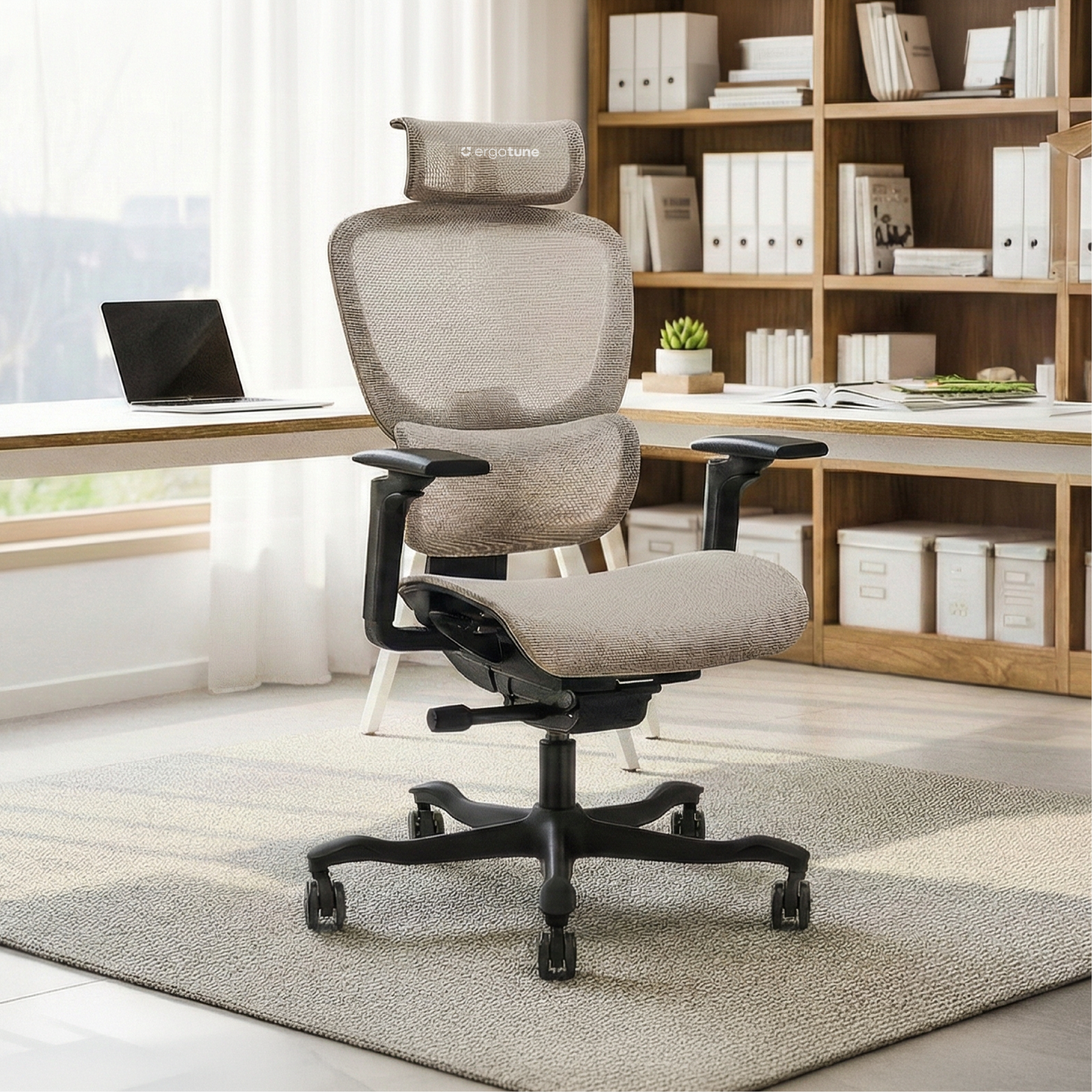
The ergotune Vesby has a 65mm seat depth adjustment range (385mm – 450mm), which lets you set the seat to match your leg length rather than forcing your legs to adapt to the seat. Your thighs stay supported, the two-to-three finger gap is maintained behind the knees, and your pelvis doesn't have to fight to stay in position.
One slider across eight hours of your day. It matters more than it should.

Why Forward Tilt Changes Things
Most chairs lock you into a flat, level sitting position. That's the norm, and it's part of why hip pain is so common in standard office setups.
A forward tilt of around 5 to 10 degrees opens the angle between your torso and your thighs, which is exactly the direction research supports for reducing hip compression. It also encourages your pelvis into a position closer to standing alignment, which is where your hip joint is most comfortable and least loaded.
There's a circulatory benefit too. The femoral nerve and blood vessels that supply your lower limbs run through the front of the hip, directly beneath the inguinal ligament. A closed hip angle compresses that space, which is where the heavy, numb, or pins-and-needles feeling comes from during long sitting sessions. Opening the angle relieves it.
The ergotune Vesby's synchro-tilt system supports this by allowing your body to move and recline naturally rather than staying fixed. A chair that moves with you isn't a luxury. It's the bare minimum your hips have been asking for.
The Pelvis Connection: Why Lumbar Support Matters for Your Hips
Hip pain often originates higher than people expect. It often starts at the pelvis.
Without proper lower back support, your pelvis gradually rolls backward as your muscles fatigue. That single shift changes how your entire hip joint carries load, moving it out of its most stable position and forcing it to work harder just to support your sitting posture.
The SmartFlex™ Pro Lumbar Support in the ergotune Vesby is designed to maintain the natural curve of your lower back, which keeps your pelvis stable throughout the day. When your pelvis stays neutral, your hip joint sits more naturally in the socket. Less compression, less unnecessary tension, less of that dull ache by 4pm.
What Your Seat Surface Is Doing to Your Hip Bones
Most office chairs use foam. It feels comfortable for the first few weeks, then gradually compresses and creates pressure points directly on the bones you're sitting on (the ischial tuberosities, or sit bones).
As foam wears down, your weight concentrates rather than distributes. This is a significant contributor to hip discomfort during longer workdays, especially in cheaper chairs that compress quickly.
The Duraweave™ 2.0 Hybrid Mesh in the ergotune Vesby works differently. Rather than sinking your weight into one spot, the tensioned mesh distributes load across the entire seat surface. The result is less localised pressure on your hip bones and more consistent support throughout the day.
The waterfall edge design at the front of the seat also removes the blunt pressure that standard chair edges create under the thighs, which affects circulation and adds to that heavy-leg feeling that builds over long sessions.
How To Set Up Your Workstation to Support Your Hips
Even the right chair needs to be set up correctly to do its job.
Seat height:
Raise it so your hips sit slightly higher than your knees. This creates the open hip angle that reduces compression.
Seat depth:
Adjust until you have a two-to-three finger gap between the seat edge and the back of your knees when sitting fully back.
Lumbar support:
Position it so it makes contact with the natural curve of your lower back. It should feel supported, not pushed.
Footrest:
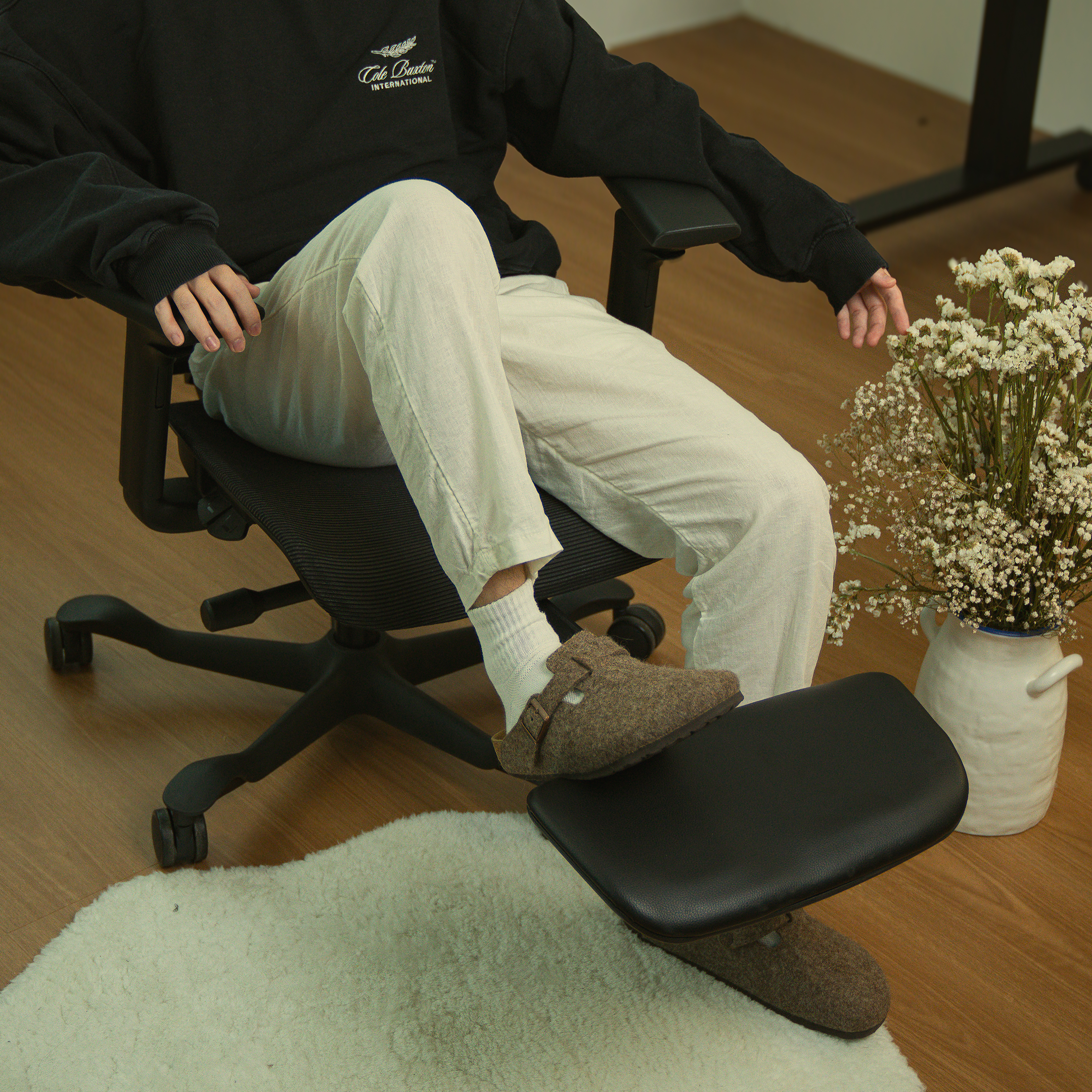
If your feet lift off the ground when the seat is at the right height, use a footrest rather than lowering the seat back down.
Movement:
Don't lock yourself into one position. Your body isn't designed to stay still, and your chair shouldn't force it to. Small shifts throughout the day make a real difference.
What This Means For Your Setup
Hip pain at the end of a workday is your body telling you something specific. Not that you worked hard: your chair has been working against you.
A standard chair holds you in a single position and lets the load accumulate. A well-designed ergonomic chair distributes that load, supports your pelvis, and allows your body to move rather than brace.
If you're building out or refining your workstation, it's worth reading our guides on the best office chairs for long workdays and what your office chair is doing to your body.
It’s time for your chair to start pulling its weight. Your hips have been patient. Don't push it. Explore the ergotune range today.